Skip to content

EdilCloud.
Your construction site, connected.

Field updates, activities, documents and schedules. One workspace for those who build and those who coordinate, with an AI assistant grounded in project information.

Residenza Nord / Site feed
YOUR SITE, TODAY

Site feed

In progress

The second-floor slab pour is complete. Photos and reinforcement checks are linked to the activity.

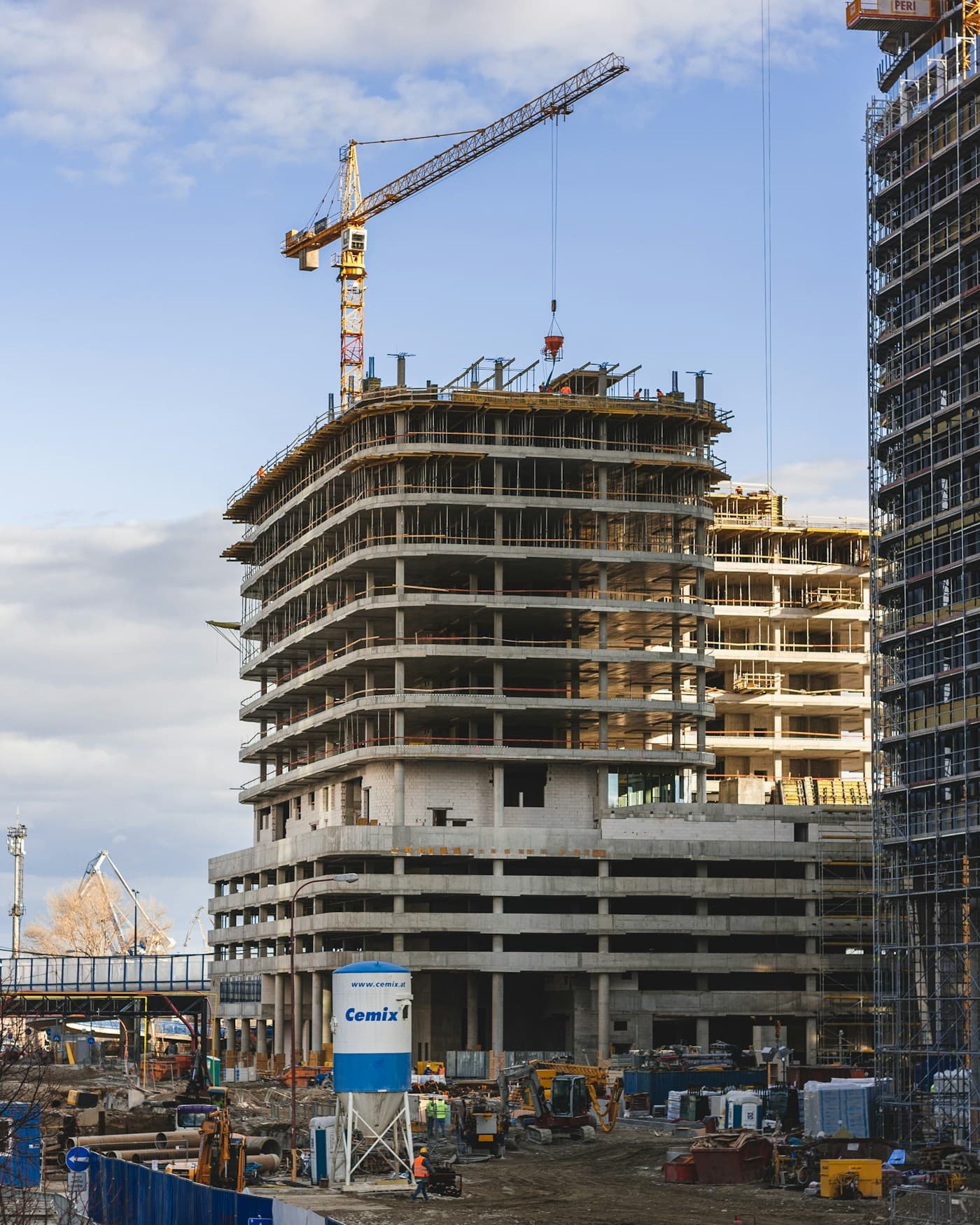
Progress photograph of a building under construction
NEXT ACTIVITIES
Reinforcement checkLaura Bianchi
Floor 2 slab pourMarco Rossi
Formwork removal and checksStructural crew
MRLBAFThe project team

Every update, in the right place.

Photos, activities and conversations, together in the project.

One project. Everyone who helps build it.

Construction companiesSite supervisionGeneral contractorsField crews
LA MEMORIA DEL CANTIERE

Il cantiere cambia.
La sua storia resta.

Si costruisce con la materia. Si lavora con le informazioni. EdilCloud tiene insieme entrambe, giorno dopo giorno.

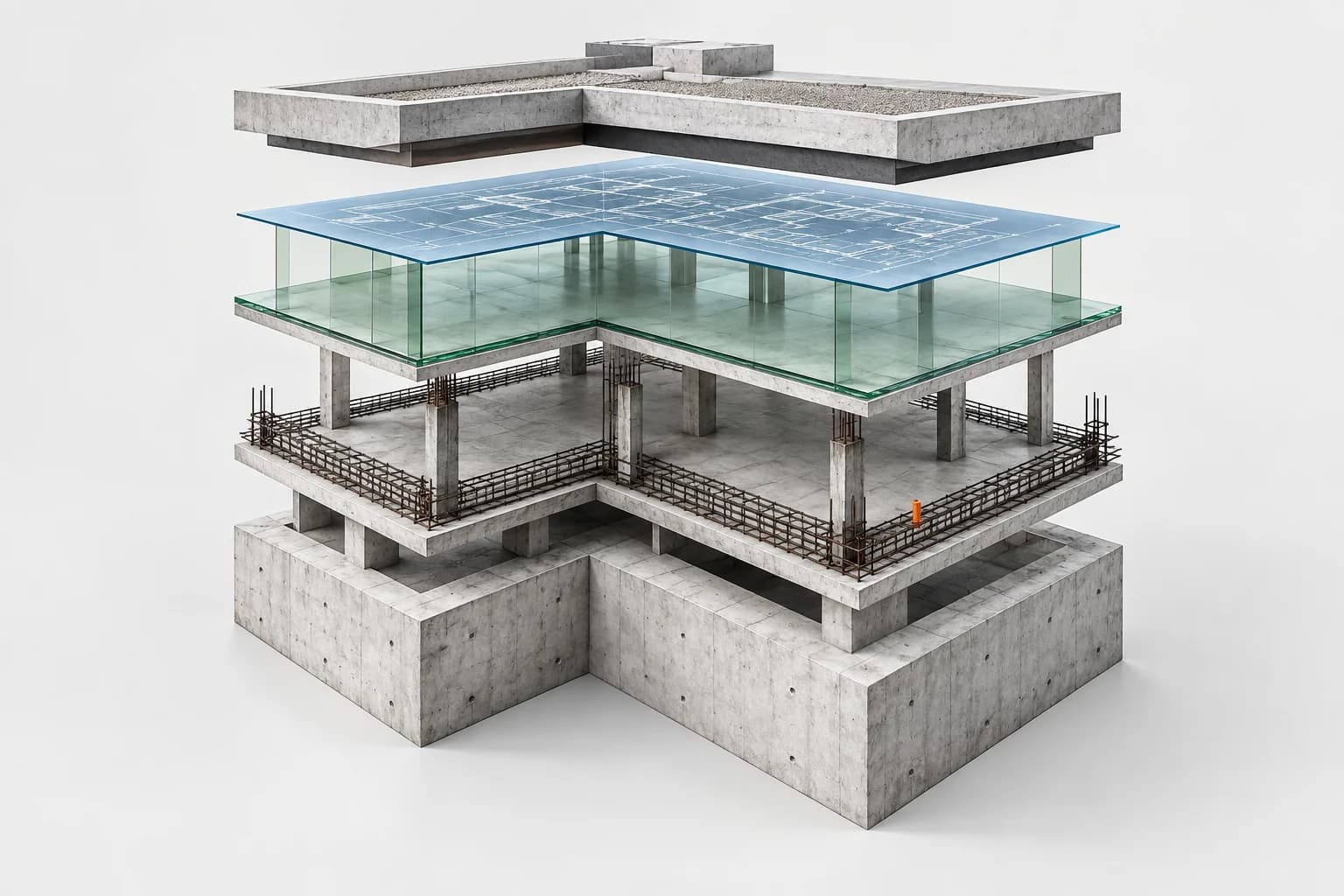
Illustrazione concettuale: un edificio a strati di cemento, vetro verde e disegno tecnico, come livelli della memoria di un cantiere

Il lavoro lascia una traccia.

Una foto, una verifica, un aggiornamento. Quello che accade sul posto entra nel progetto con chi lo ha condiviso e quando.

Dentro il lavoro quotidiano
01 / Materia, persone, informazioni.Il progetto continua, la conoscenza rimane.
FEED / MESSAGE TRANSLATION

One site. Many languages.
The same information.

An update written in Romanian can be read in English. A reply in English can reach the crew in Romanian. Posts and comments stay in the same thread, with the original always available.

See how it works
SAME PROJECT / READING LANGUAGEILLUSTRATIVE EXAMPLE
RESIDENZA NORDSTRUCTURE / FLOOR 2
AP
Ana PopescuStructural crew · 09:41

Reinforcement on the second floor has been checked. We can prepare the concrete pour.

Translated from Romanian 3 photos
Show original text

Armătura de la etajul 2 a fost verificată. Putem pregăti turnarea.

MR
Marco RossiSite supervision · 09:55

Received. The crew is confirmed for tomorrow.

Translated from Italian
Show original text

Ricevuto. Confermo la squadra per domani.

Text changes for the reader. Author, attachments and context stay in the same thread.Verify AI translations for critical instructions.

From the field to the office.
Everything stays connected.

A site check, a crew to coordinate, a phase to complete. Every step stays connected to the project and the people responsible for moving it forward.

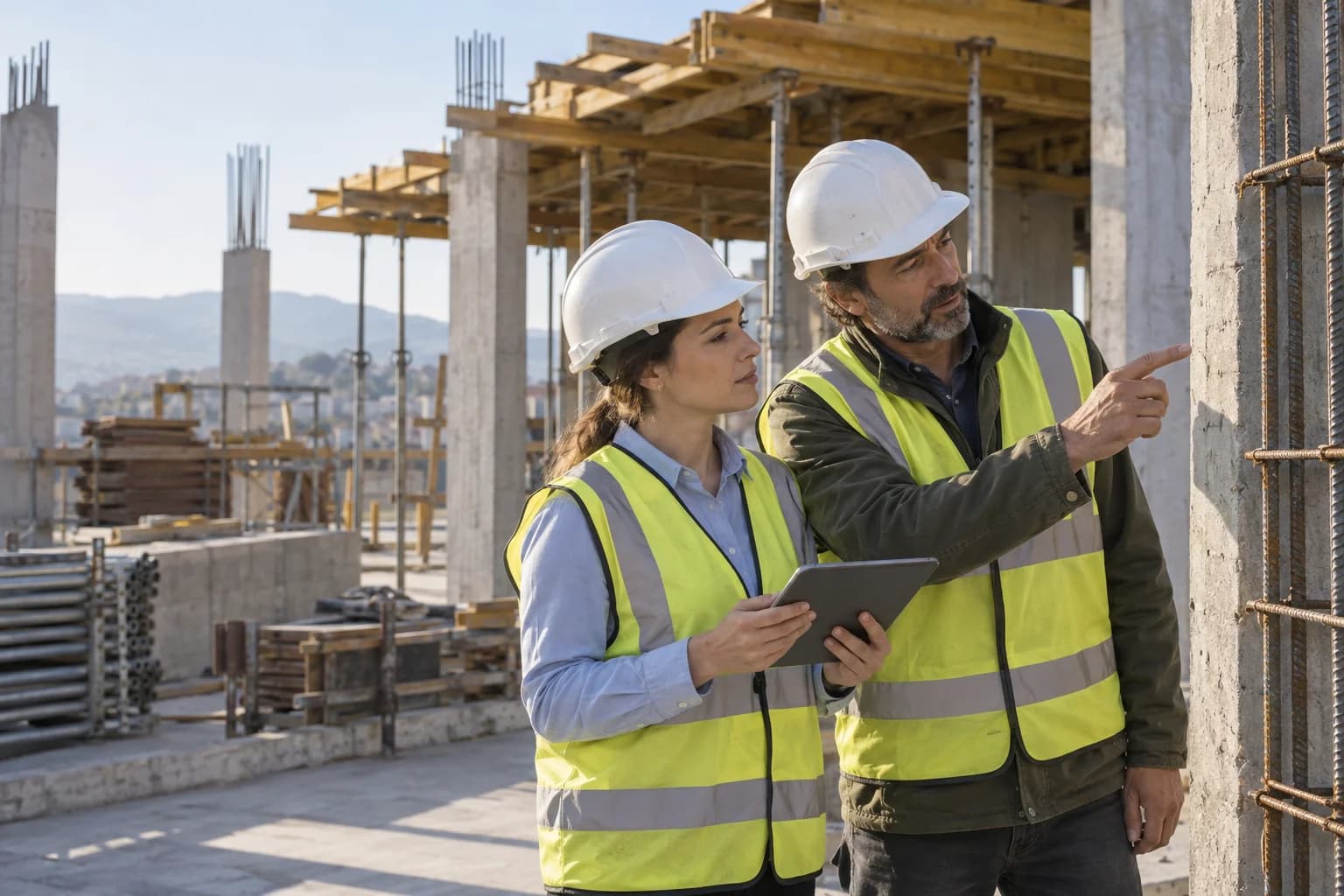
Illustrative scene: professionals with helmets and a tablet inspecting a site structure
LB
Reinforcement check completedSite visit · Structural crew

People on site keep everyone updated.

A photo explains the detail. A note preserves the observation. Updates and comments remain in the site’s context, so the office can follow the work without piecing conversations back together.

  • Photos and attachments in the project
  • Connected comments and updates
  • Read posts and comments in multiple languages
Discover the site feed
RESIDENZA NORD

Schedule

September
Work phase0108152229
Site setup
Site setup
Foundations
Foundations
Structures
Structures
Services
Services
Finishes
Finishes
Completed In progress Not started

Every activity has a next step.

From the overall plan to each activity: assign an owner, follow task status and inspect phases and dependencies in the Gantt. The schedule and daily updates stay in the same project.

  • Owners, deadlines and progress
  • Phases and dependencies in Gantt
  • Import Excel, CSV, XML and MPP
Explore tasks and activities

From “what happened?”
to a document ready for review.

You have already gathered the information. The AI assistant helps find it, connect it and turn it into a first draft. You verify the sources and finish the document.

Assistente EdilCloud Esempio di progetto

Prepara il rapportino delle strutture.

Ho raccolto le lavorazioni completate e le verifiche registrate nel progetto. La bozza riporta il getto del solaio al piano 2 e il controllo delle armature, con i riferimenti agli aggiornamenti del team.

Getto solaio piano 2 Verifica armature

Le fonti restano visibili.
L'ultima parola resta tua.

BOZZA DA VERIFICARE

Rapportino giornaliero

Residenza Nord · Strutture


LAVORAZIONI ESEGUITE

Completato il getto del solaio al secondo piano. Eseguita la verifica delle armature prima del getto.

DOCUMENTAZIONE

Fotografie e aggiornamenti collegati alle attività della squadra strutture.

Redatto con il supporto di EdilCloud AI
RICERCA DI PROGETTO

Quella foto. Quel verbale.
Quel dettaglio che ti serve.

Le informazioni non finiscono quando scorre la chat. Cerca tra attività, documenti, aggiornamenti e persone, poi torna al contesto da cui tutto è partito.

Residenza Nord · Esempio di progetto4 risultati
NEL SUO CONTESTO

Getto solaio piano 2

Completata

Getto completato. La verifica delle armature e le fotografie sono collegate alla lavorazione. Prossimo passo: disarmo e controllo.

Residenza NordAttività

Different companies.
One shared project.

An archive that follows the work.

Organize folders, photos and documents by site. Attachments remain available alongside the information that explains their context.

Everyone with their own role.

Invite companies, specialists and colleagues into your workspace. Manage team membership and access, keeping responsibilities clear.

A shared view of the situation.

For project coordinators and people following individual activities: tasks, statuses and updates describe the same work from different perspectives.

PRIMA DI INIZIARE

Le domande giuste.

Qualche dettaglio in più,
per capire come partire.

Posso usare il cronoprogramma che ho già?

Sì. EdilCloud supporta l'importazione del Gantt da CSV, Excel, XML e MPP. Puoi portare nel progetto fasi e attività del piano esistente, verificare i dati importati e continuare a lavorare con il team.

Come collaborano imprese e professionisti diversi?

Il workspace raccoglie i progetti e le persone coinvolte. Inviti collaboratori e aziende, assegni ruoli e gestisci l'accesso alle informazioni, mantenendo il lavoro organizzato per cantiere.

L'assistente AI usa i dati del mio progetto?

L'assistente lavora sulle fonti disponibili nel contesto del progetto e mostra i riferimenti utilizzati. Può aiutarti a ritrovare informazioni, riassumere aggiornamenti e preparare bozze di giornali dei lavori, rapportini e verbali di sopralluogo. Le risposte e le bozze vanno verificate prima dell'utilizzo.

Da dove si comincia?

Dalla creazione del workspace e del primo cantiere. Inviti il team, organizzi le attività e aggiungi i documenti utili. Da quel momento, gli aggiornamenti sul campo iniziano a costruire la memoria del progetto.

Your next construction site.
With its whole story.

Start with EdilCloud